What Is Instagram Threads? Features, Uses and How It Works
- Understanding the Rise of Meta’s Microblogging Platform
- What is Instagram Threads?
- What is Instagram Threads App and How Does It Work?
- How is Threads Different From Instagram?
- What is Instagram Threads: Is It Like Twitter (X)?
- Is Instagram Threads Safe? Privacy & Safety Controls Explained
- How to Get Started with Threads in 5 Simple Steps
- Conclusion
Understanding the Rise of Meta’s Microblogging Platform
When Meta officially launched Threads in July 2023, it shattered records by signing up over 100 million users in just five days. What began as a fast-tracked response to structural shifts at X (formerly Twitter) has rapidly evolved into a major force in microblogging. Surpassing 450 million monthly active users, Threads is no longer just an experiment; it serves as Meta’s central hub for real-time text conversations, public discourse, and open social networking.
The app addresses a clear shift in how people use social media: while Instagram remains the primary destination for visual storytelling and curated grids, users needed a dedicated space for real-time commentary, text discussions, and breaking conversations. Built on Instagram’s account architecture, Threads allows creators, brands, and everyday users to jump straight into public discussions without having to build a follower base from scratch.
What is Instagram Threads?
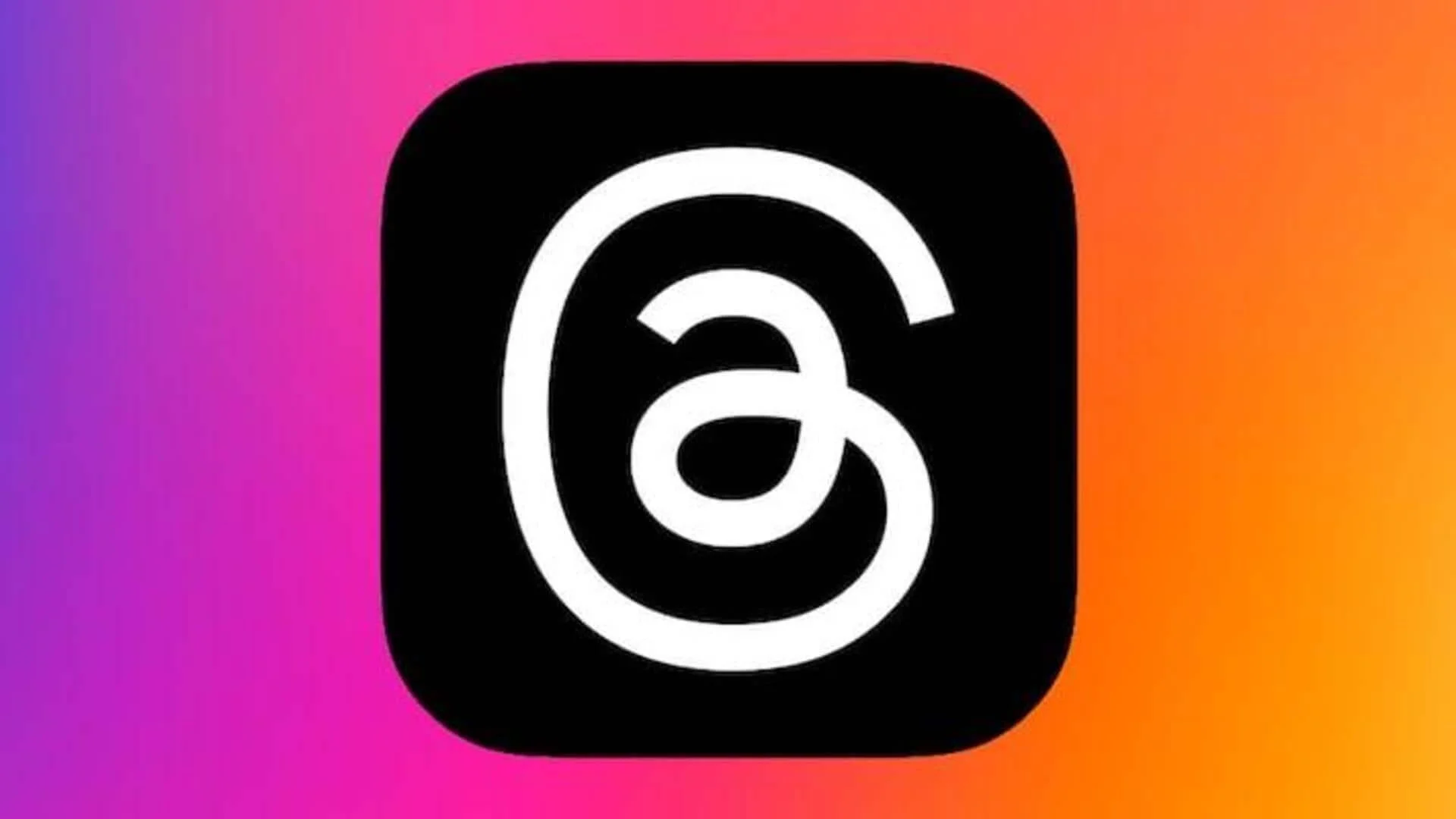
Instagram Threads is a text-centric microblogging platform developed by Meta as a companion app to Instagram. It allows users to post updates up to 500 characters, share photos and 5-minute videos, and engage in real-time public conversations. Built on Instagram's account system, Threads serves creators, brands, and everyday users looking for an alternative to platforms like X (Twitter).
What is Instagram Threads App and How Does It Work?
The Instagram Threads app operates as a companion application designed specifically for public text conversations, functioning as Meta's direct competitor to platforms like X (formerly Twitter). While traditional Instagram centers on photos and short-form video (Reels), Threads provides a fast-moving, feed-based ecosystem optimized for real-time text posts, link sharing, and threaded discussion trees.
Core Architecture & Key Mechanics
- Text-First Posting: Users share posts containing up to 500 characters per update, supporting single posts, linked updates, and multi-post threads.
- Rich Media Integration: Posts support attached links with clean preview cards, high-resolution images, and videos up to 5 minutes long.
- Unified Account System: Registration utilizes Meta’s Account Center framework, mapping directly to existing Instagram handles and follower graphs.
- Fediverse Interoperability: Threads connects with ActivityPub, allowing users on external platforms like Mastodon to view and interact with public Threads content without maintaining a Meta profile.
- Native Messaging & Live Chats: Threads includes standalone messaging features, including group chats, direct text conversations, and dedicated live community chats directly in the mobile app.
Step-by-Step Onboarding Breakdown
How is Threads Different From Instagram?
While Threads and Instagram share an interconnected identity within the Meta ecosystem, their underlying content paradigms, distribution algorithms, and user engagement behaviors are fundamentally distinct. Instagram is built around visual-first storytelling, whereas Threads is engineered primarily for text-driven public conversations.
Key Differences Breakdown
-
Content Medium: Instagram prioritizes visual assets, requiring photo or video attachments for posts. Threads allows standalone text updates alongside attached links, photos, and 5-minute video clips.
-
Discovery Mechanics: Instagram relies heavily on visual recommendations, audio tracks, and aesthetic grid layouts. Threads prioritizes text relevance, topic tags, and reply chains to drive algorithmic visibility.
-
Link Handling: Instagram restricts outbound clickable links within standard main feed post captions. Threads natively supports clickable hyperlinked URL cards directly inside standard post text.
-
Direct Messaging Architecture: Instagram features a deep, multi-tabbed DM inbox with story replies and video calls. Threads includes dedicated native direct messaging and group chats across both mobile and web interfaces.
-
Ecosystem Connection: Instagram operates as a closed network. Threads supports the open protocol, enabling cross-platform federation.
Comparison Matrix: Threads vs. Instagram
|
Feature / Metric |
|
Threads |
|
Primary Focus |
Visual Media (Photos, Reels, Stories) |
Text Updates & Public Discussions |
|
Post Length Limit |
2,200-character caption (Visual required) |
500 characters per post (Standalone text allowed) |
|
Link Accessibility |
Restricted in feed post captions |
Clickable link cards enabled in all posts |
|
Feed Distribution |
Visual engagement & audio trends |
Conversation depth, replies & topic tags |
|
Direct Messaging |
Advanced Instagram Direct Inbox |
Dedicated Threads Native DMs & Web Inbox |
|
Network Structure |
Closed Meta Ecosystem |
Federated (ActivityPub integration option) |
|
Search Functionality |
User handles, audio & visual tags |
Keyword, topic tags & direct conversation search |
What is Instagram Threads: Is It Like Twitter (X)?
Yes, Instagram Threads is structurally designed as a microblogging platform similar to X (formerly Twitter). Both platforms feature short-form text updates, public reply threads, reposts, and algorithmic recommendation feeds. However, their underlying algorithms, community cultures, and ecosystem integrations create very different user experiences.
Core Architectural Differences
-
Character Allowance: Threads offers a default allowance of 500 characters per post for all accounts. X limits standard free accounts to 280 characters, locking extended posts behind paid Premium subscriptions.
-
Algorithmic Weighting: The Threads algorithm prioritizes sustained reply chains and positive back-and-forth conversations over fast viral engagement spikes. X relies heavily on engagement velocity, early retweets, and high-visibility account interactions.
-
Platform Culture: X remains the central hub for breaking political news, real-time commentary, and rapid-fire debate. Threads deliberately de-emphasizes hard political news in its "For You" recommendations, fostering a lifestyle-, tech-, and creator-focused atmosphere.
-
Network Infrastructure: X operates as a closed, centralized platform. Threads integrates open social web standards (ActivityPub), allowing cross-network federation with Mastodon and the Fediverse.
Feature Comparison Matrix
|
Feature / Capability |
Instagram Threads |
X (formerly Twitter) |
|
Standard Post Limit |
500 characters (Free for all) |
280 characters (Free) / 25,000 (Premium) |
|
Video Duration |
Up to 5 minutes |
Up to 140 seconds (Free) / 3+ hours (Premium) |
|
Image Limits |
Up to 20 images/videos per post |
Up to 4 media items per post |
|
Monetization |
Indirect (Brand deals, profile funnels) |
Direct (Ad revenue sharing, subscriptions) |
|
Fediverse Support |
Yes (ActivityPub protocol) |
No (Closed network) |
|
Identity Verification |
Shared with Instagram Meta Verified |
X Premium subscription badge |
Platform Trade-offs
Threads Advantages
-
Higher Default Capacity: The 500-character limit enables nuanced thoughts without needing a paid subscription.
-
Clean Ecosystem Alignment: Single-tap login connects instantly with established Instagram followings.
-
Open Interoperability: ActivityPub integration prevents platform lock-in by federating across decentralized networks.
Threads Disadvantages
-
De-emphasized Hard News: Less optimal for breaking political news or instant event tracking.
-
No Direct Creator Payouts: Lacks native ad revenue-sharing programs directly built into the app.
Is Instagram Threads Safe? Privacy & Safety Controls Explained
Security and user privacy remain critical considerations when adopting any new social media platform. Instagram Threads is safe to use, operating under Meta's established security architecture, content policies, and identity controls. By inheriting account protections directly from Instagram, Threads delivers robust safety features designed to prevent online harassment, curb spam, and give users full control over their interaction boundaries.
Core Safety Features & Privacy Controls
-
Synced Account Block Lists: Any profile you block on Instagram is automatically blocked on Threads. Blocked users cannot view your posts, send direct messages, or tag your profile across either application.
-
Granular Reply Permissions: Authors control post engagement by selecting who can reply to individual threads: Everyone, Profiles you follow, or Mentioned only.
-
Independent Hidden Words Filters: Users can filter out unwanted replies, comments, and direct message requests containing specific terms or offensive phrases. Threads allows custom keyword filters to run independently from Instagram settings.
-
Account Privacy Toggles: Profiles can switch between Public (visible to all users across web and fediverse connections) and Private (requiring explicit approval for new followers).
-
Fediverse Privacy Protections: While federation enables cross-platform visibility, private Threads accounts are completely excluded from fediverse distribution to prevent unauthorized data sharing.
Technical Safety Definitions
-
Meta Community Guidelines? The foundational enforcement rules governing content moderation, prohibiting hate speech, automated spam, and harassment across all Meta applications.
-
ActivityPub Protocol? The open-source communications protocol that handles secure data exchanges between Threads and decentralized networks like Mastodon.
-
Account Center? Meta's centralized management dashboard controlling multi-factor authentication, login security, and shared profile identity configurations.
How to Get Started with Threads in 5 Simple Steps
Setting up a profile on Meta’s microblogging platform takes less than two minutes. Because the system integrates directly with Meta's Account Center framework, you can seamlessly migrate your digital identity or construct a fresh presence from scratch.
1. Download the App and Authenticate Account:
Download Threads, an Instagram app from the Apple App Store or Google Play Store (or navigate to threads.net on desktop). Tap Log in with Instagram to authenticate directly using your existing credentials, or opt for alternative Meta single sign-on options where available.
2. Configure Your Bio and Profile Details:
Choose to tap Import from Instagram to immediately sync your verified badge, bio, avatar, and hyperlinked portfolio. Alternatively, manually write a tailored short bio and add custom links specifically for your Threads audience.
3. Select Account Privacy Configurations:
Select your default visibility level:
-
Public Profile: Anyone on or off Threads—and across connected fediverse servers via ActivityPub—can view, share, and interact with your posts.
- Private Profile: Only manually approved followers can view your posts and replies (private accounts are excluded from fediverse indexing).
4. Sync Followers and Discover Communities:
Select Follow all to instantly send follow requests to every account you currently follow on Instagram that maintains a Threads profile. You can also skip this step to build a brand-new network by searching specific creator handles and niche topic tags.
5. Publish Your First Thread and Adjust Reply Controls:
Tap the Compose icon to draft your inaugural update (up to 500 characters). Attach photos, links, or up to 5-minute videos. Before hitting publish, set your interaction limits by selecting who can reply: Anyone, Profiles you follow, or Mentioned only.
Conclusion
Instagram Threads bridges text-first microblogging with Meta’s visual ecosystem, offering a conversational alternative to X. With 500-character limits, native DMs, direct Instagram integration, and open ActivityPub fediverse protocol support, Threads empowers creators, brands, and everyday users to build real-time communities within a secure, privacy-controlled public space.


Leave a Comment
Your email address will not be published. Required fields are marked *